Use an AI image generator to produce Black Friday ad creatives, product shots, and social posters. Copy tested prompts, keep labels blank, and generate the sizes you need before the sale window.
PublishedOct 20, 2026
UpdatedOct 20, 2026
Whisk AI Image Generator Editorial Team
Black Friday image work is repetitive by design. The same product needs a square ad, a vertical story, a wide email header, and a clean catalog shot. A photographer and a retoucher can produce those assets, but the timeline is short and the variations are endless.
An AI image generator for Black Friday is most useful when it is treated as a variation engine, not a replacement for the product photo. You start with a real product image, keep the shape and label intact, and generate the seasonal scenes around it. The product remains the product. The light, the props, and the composition change.
The most common mistake is to generate a beautiful holiday scene and then try to place a product inside it. The product looks pasted on, the light does not match, and the label is wrong.
The better workflow is to start with a real product photo and edit it:
Photograph the product on a plain background with even light.
Remove the background if the product is not already isolated.
Use an image edit prompt to place the product on a new surface and relight it.
Keep the label area blank and add the real copy later.
Generate variations for each placement.
This keeps the product shape, color, and label consistent across every asset. Consistency is what makes a campaign look designed.
Ad creative. A square or vertical composition with one product, one seasonal cue, and space for a headline. The image should work at thumbnail size, so avoid small props and busy backgrounds.
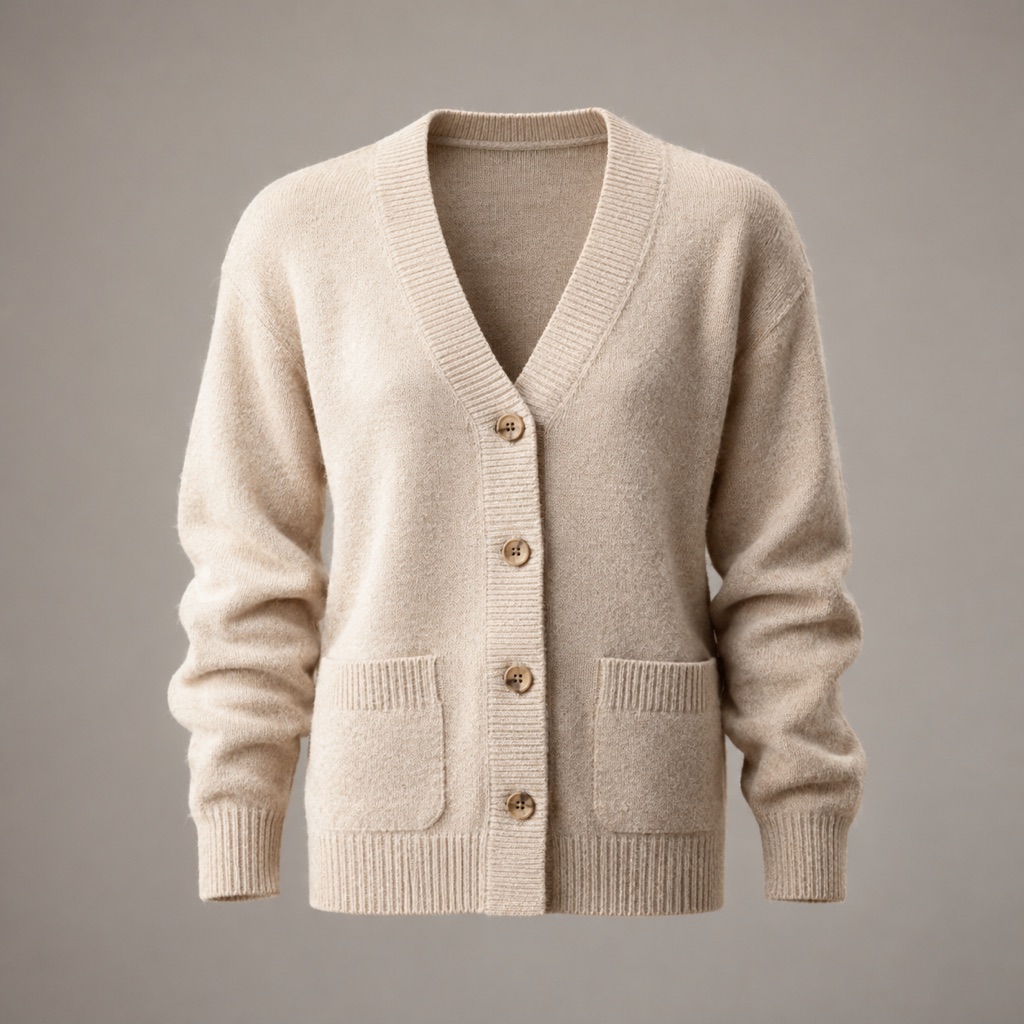
Product shot. A clean image with a neutral or seasonal surface, controlled light, and a realistic reflection. This is the base asset for the landing page and the catalog.
Social poster. A vertical composition with a strong central subject and clean space for copy. It is the bridge between the ad and the product page.
Signature looks you can generate now
Pick a look, copy the exact prompt, or send it straight into the generator. Prompts are written for identity preservation, so the result still looks like the person or pet in the photo.
Opens the generator with this prompt. You’ll sign in; images start at 5 credits.
Text to image
Ad Creative
A scroll-stopping square ad visual.
Prompt
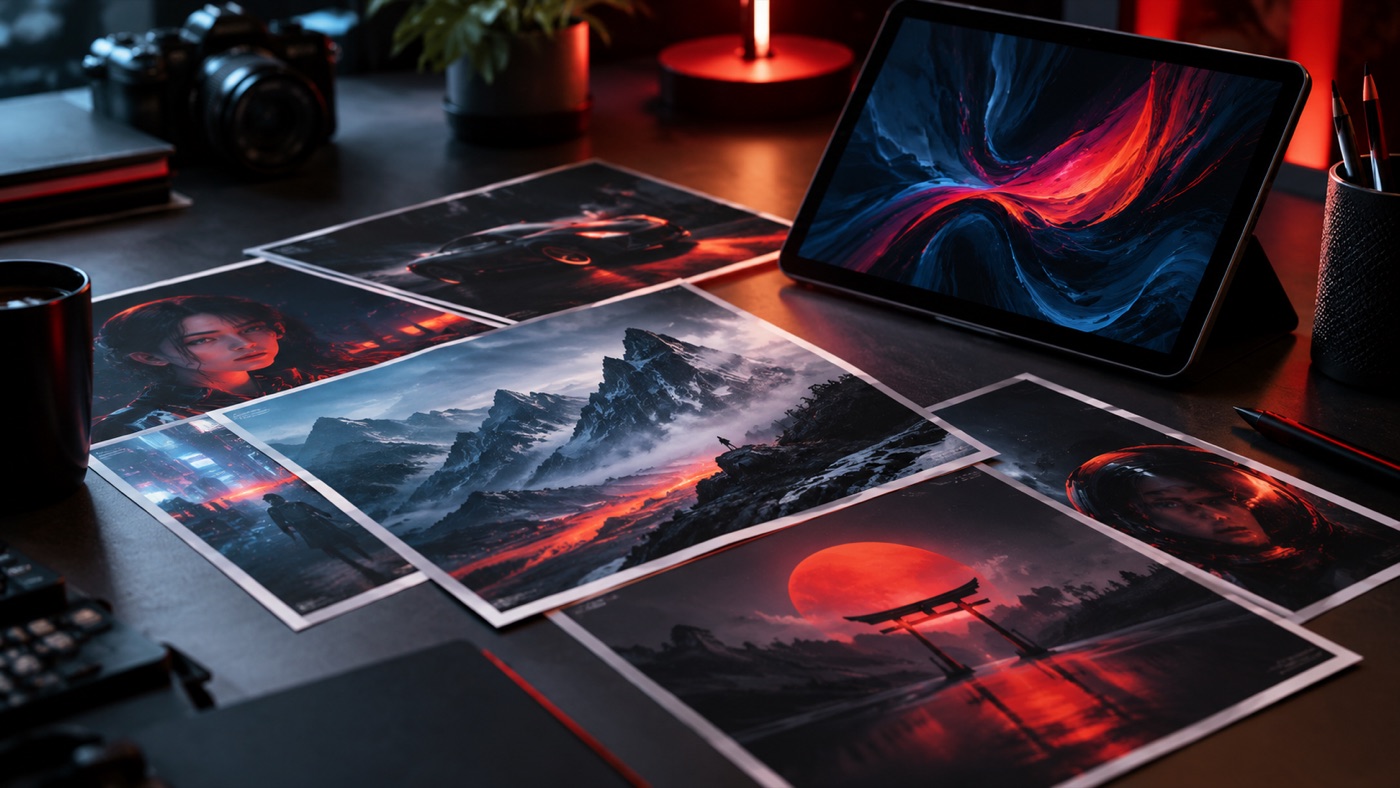
Create a square social ad visual for an AI image generator seasonal campaign. Use a single premium product hero, dramatic rim lighting, deep charcoal and warm red tones, and a clean composition with empty space for a headline. Do not render text, logos, prices, or discount claims. The image must look like a finished commercial photograph.
Text to image
Product Shot
A clean catalog image with premium lighting.
Prompt
Create a clean commercial product photograph on a neutral warm-gray seamless background. Use soft key light, a gentle rim light, realistic material texture, and a subtle reflection. Leave the product label area blank. No text, no logos, no watermarks, no extra objects.
Text to image
Social Poster
A vertical poster with clear copy space.
Prompt
Create a vertical 4:5 seasonal social poster featuring one bold central subject, layered depth, and cinematic red-and-gold lighting. Leave the top third simple for a headline and the bottom fifth clean for a call to action. Do not render any text, letters, numbers, logos, or watermarks.
Keep the product shape and label exactly as photographed. Place the product on [surface] with [one or two props] at a believable distance. Use [light direction], [palette], and [commercial photography style]. Leave [negative space] for a headline. Do not invent text, logos, prices, or discount claims.
Three details make the difference:
"Keep the product shape and label exactly as photographed." This protects the product identity.
"One or two props." More props mean more opportunities for the model to invent a logo or a price tag.
"Do not invent text." Image models are happy to add fake copy. For an ad, that is a compliance risk.
A Black Friday image does not need snow, reindeer, or a Christmas tree. A restrained seasonal palette is more versatile and easier to reuse through Cyber Monday.
Charcoal and warm red: a premium, modern holiday look.
Warm gold rim light: a seasonal cue that does not depend on props.
One ribbon or one gift box: enough to signal the event without turning the image into a greeting card.
Negative space: room for the real headline, price, and call to action.
If you need a more traditional look, add one seasonal element and keep the rest of the frame clean. The product should still be the first thing the viewer sees.
Generate the largest version you need, then crop for the smaller placements. A 1:1 master works for feed ads and catalog images. A 4:5 crop works for vertical social. A 16:9 crop works for email headers and landing pages.
Do not generate a separate image for every size. Generate one strong master, crop it, and keep the light and color consistent. If a placement needs a different composition, generate a new master with the same palette rather than stretching the old one.
AI can produce a clean product image, a seasonal scene, and a set of variations. It cannot fix a weak offer, a confusing landing page, or a checkout that fails on a phone. Those are the parts that decide whether the creative converts.
Use the images to test more directions, then spend your time on the page and the offer. A simple page with a clear price and a working checkout will beat a beautiful ad that leads to a broken experience.
This page does not advertise a discount. Any active plan or promotion is listed on the pricing page. The image workspace uses credits, and each generation consumes them. Generate the base product shot first, approve it, and then create variations. That sequence keeps the cost predictable.
Yes. Upload the product photo and describe the scene. The prompt should preserve the product shape and label. A plain background photo works best as the source.
It can. The prompt should explicitly say to keep the label exactly as photographed. Even then, check the result at full size before publishing. If the label is critical, add the real label in a design tool.
Yes. You can generate a concept image from text, but it will not show your actual product. Use a text-to-image concept for moodboards and a product edit for the final ad.
Commercial use depends on your plan, the model or provider terms, your rights in the source product photo, and local law. Review the terms of service before using an output in an ad.

 Text to image