Create Black Friday product videos with AI: turntable spins, cinematic push-ins, and vertical social hooks. Start from a product still, keep the label stable, and generate short clips that fit the sale window.
PublishedOct 20, 2026
UpdatedOct 20, 2026
Whisk AI Image Generator Editorial Team
Black Friday video has one job: stop the scroll long enough to show the product. It does not need a story, a voiceover, or a location shoot. A clean product spin, a slow push-in, or a three-second hook is often enough.
An AI video generator for Black Friday is most reliable when it starts from a still you have already approved. Generate or photograph the product, confirm the label and shape, then animate that frame. The video model only has to handle motion, not the product design.
A product video has a harder consistency problem than a portrait. The label, the logo, the shape, and the color all have to stay the same across every frame. If the model invents a new label halfway through, the clip is unusable.
Starting from a still solves most of that problem. The first frame is fixed. The prompt only describes the motion, the light, and the camera. If the model keeps the first frame stable, the product stays recognizable.
The workflow:
Generate or photograph a clean product still.
Approve the label, shape, and color.
Upload the still to the video workspace.
Use a short motion prompt with one subject motion and one camera motion.
Product Spin. A turntable rotation with a soft strip light traveling across the surface. This is the most useful clip for a product page, a catalog, and a paid social ad. Keep the camera locked off and the rotation even.
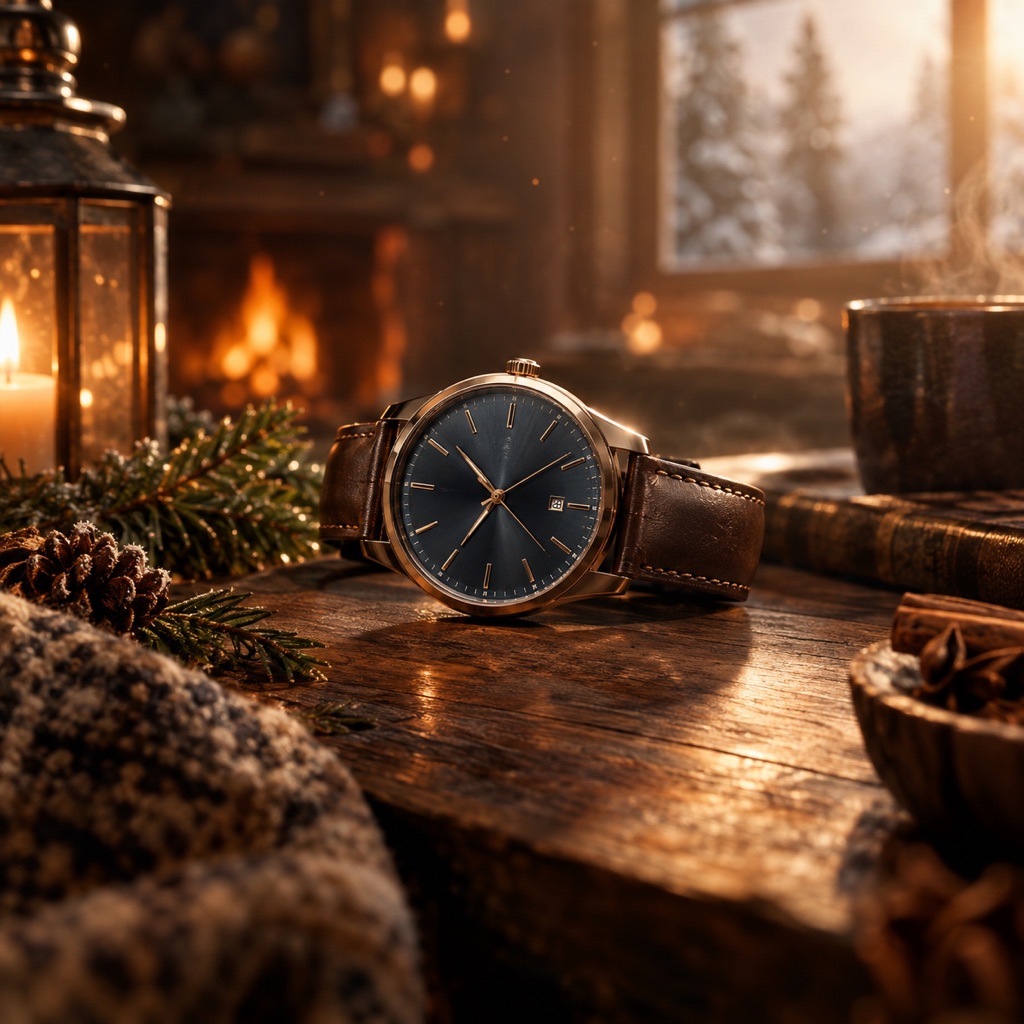
Cinematic Push-In. A slow camera move toward the product with warm practical lights and soft haze. This is the premium hero clip. It works best when the product still already has a strong composition.
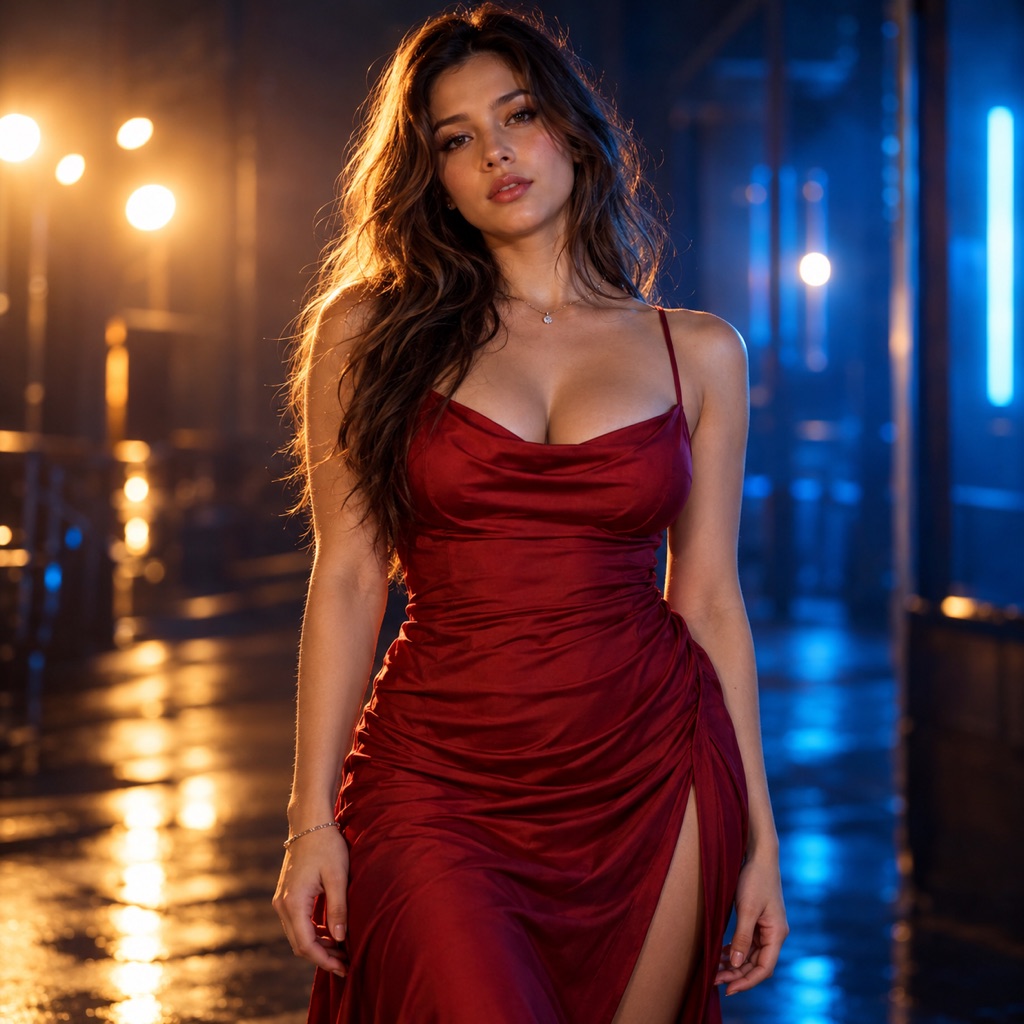
Social Hook. A vertical 9:16 frame with one subject, dramatic side light, and a small motion. This is the clip for Reels, TikTok, and Shorts. Leave the lower third clean for a caption.
Signature looks you can generate now
Pick a look, copy the exact prompt, or send it straight into the generator. Prompts are written for identity preservation, so the result still looks like the person or pet in the photo.
Opens the video generator with this prompt. You’ll sign in; video uses more credits than a still image.
Image to video
Product Spin
A clean 360-style product turntable.
Prompt
Use the provided image as the exact visual reference and starting composition. Create a continuous five-second cinematic clip. A premium product on a matte black turntable in a dark studio. The product rotates slowly and evenly while a soft strip light travels across its surface. Keep the shape, label, and proportions perfectly consistent. The camera is locked off. No text, no logos, no flicker. Keep realistic motion, stable anatomy, and consistent lighting. Preserve the same identity, costume, and hairstyle as the reference frame. Do not add characters, replace the costume, or introduce sudden scene cuts. No text and no watermarks.
Image to video
Cinematic Push-In
A slow push-in with seasonal atmosphere.
Prompt
Use the provided image as the exact visual reference and starting composition. Create a continuous five-second cinematic clip. A cinematic seasonal product scene with warm practical lights and soft haze. The camera pushes in slowly toward the product while a few dust particles drift through the light. Keep the product shape and label stable. The motion should feel expensive and controlled, with no sudden cuts. Keep realistic motion, stable anatomy, and consistent lighting. Preserve the same identity, costume, and hairstyle as the reference frame. Do not add characters, replace the costume, or introduce sudden scene cuts. No text and no watermarks.
Image to video
Social Hook
A three-second hook built for vertical video.
Prompt
Use the provided image as the exact visual reference and starting composition. Create a continuous five-second cinematic clip. A vertical 9:16 social video frame with one strong subject centered and dramatic side lighting. The subject moves slightly toward the camera while the background lights pulse once. Keep the motion subtle, the framing stable, and the subject sharp. Leave the lower third uncluttered for a caption. No text, no logos. Keep realistic motion, stable anatomy, and consistent lighting. Preserve the same identity, costume, and hairstyle as the reference frame. Do not add characters, replace the costume, or introduce sudden scene cuts. No text and no watermarks.
Use the provided image as the exact visual reference and starting composition. Create a continuous five-second clip. [Product motion]. [Light motion]. [Camera motion]. Keep the product shape, label, and proportions perfectly consistent. Do not add text, logos, characters, or sudden cuts.
Three rules keep the clip usable:
One product motion. A slow rotation or a small tilt. Not both.
One camera motion. A push-in, an orbit, or a locked-off shot.
One light motion. A strip light sweep, a soft pulse, or a stable key light.
More motion means more chances for the product to warp. A five-second clip with one clean move is better than a ten-second clip with five.
A 9:16 clip is the default for paid social and short-form feeds. The subject should fill the frame, the light should be directional, and the lower third should stay uncluttered for the caption and the call to action.
Do not simply crop a 16:9 clip to 9:16. The composition will feel empty. Generate or frame the still in the vertical ratio first, then animate it.
A short product clip does not need generated audio. Add a licensed music bed, a real voiceover, or captions in your editor. The video model should focus on the image and the motion.
For the caption, use the real offer and the real price. Do not ask an image or video model to render text. Generated text is often wrong, and a wrong price in an ad is a real problem.
Test those three before producing more. If the hook holds attention, make variations with different opening frames. If the spin converts on the product page, keep it and change the background light instead of the motion.
This page does not advertise a discount. Any active plan or promotion is listed on the pricing page. Video generation uses credits, and it costs more than a still image because it processes more frames. Generate the still first, approve it, and only then spend credits on motion.
The hosted video workspace is designed for short-form clips. Expect five-second shots and subtle motion. For a longer ad, generate several short shots and edit them together.
The model is generating new frames and may reinterpret the label. Reduce the motion, keep the camera stable, and repeat the instruction to preserve the shape and label. For a critical ad, add the real label in the edit.
Commercial use depends on your plan, the model or provider terms, your rights in the source product photo, and local law. Review the terms of service before using a clip in an ad.
Generate the product still first. Animate one clean motion. A five-second clip that keeps the label readable is worth more than a long clip that warps.

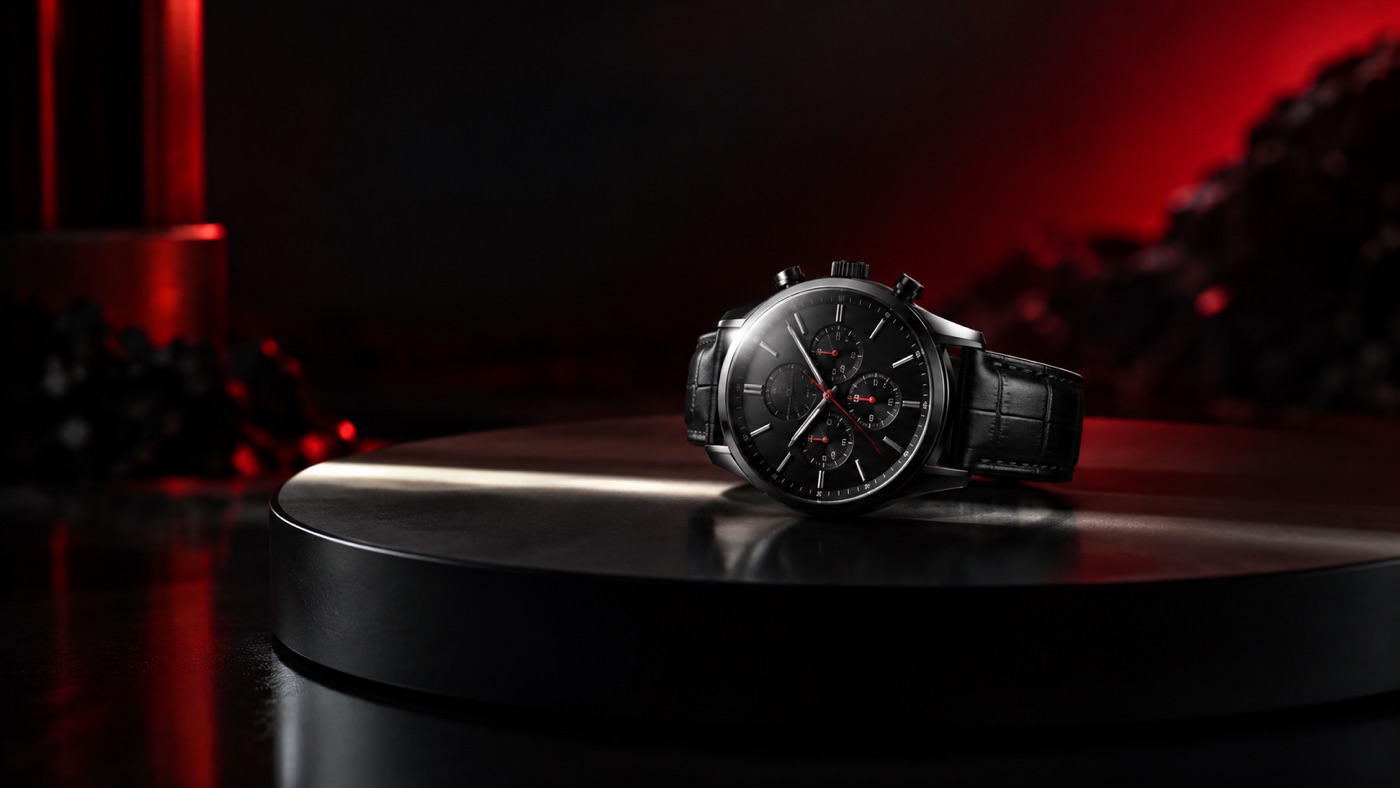
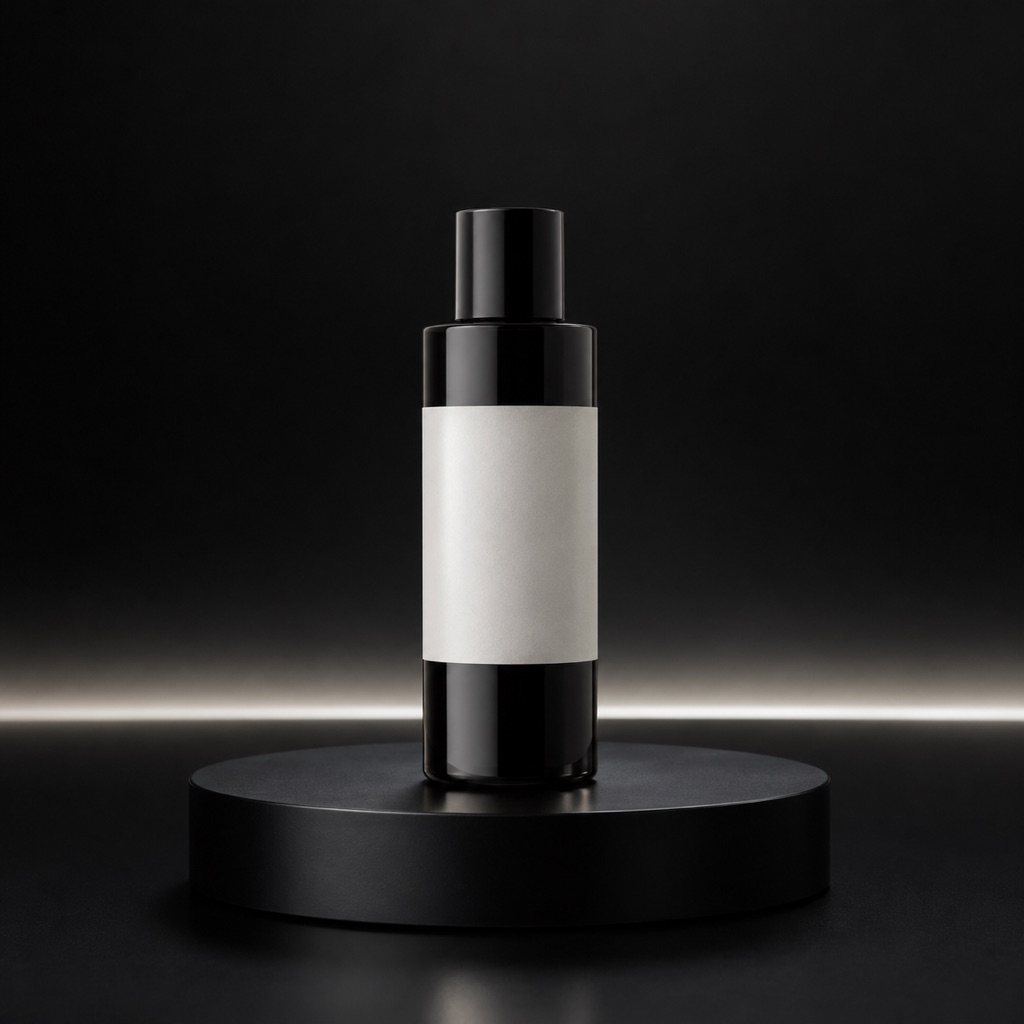 Image to video