Generate high-contrast YouTube thumbnail backgrounds with clear space for your headline. Copy tested prompts for reaction, tech review, and gaming thumbnails, then add real text in your editor.
PublishedOct 20, 2026
UpdatedOct 20, 2026
Whisk AI Image Generator Editorial Team
A thumbnail has less than a second to do its job. It has to be readable at phone size, different from the videos around it, and clear about what the viewer will get. Most thumbnail problems are not design problems. They are contrast, composition, and copy-space problems.
An AI thumbnail generator is useful for the background and the subject, not for the text. Generate a high-contrast frame with one clear focal point and deliberate negative space, then add the real headline in your editor. That division of labor produces a better thumbnail than asking an image model to render the title.
A thumbnail is usually seen at 120 to 320 pixels wide. At that size, detail disappears and only three things survive: the subject, the contrast, and the shape.
One subject. A face, a product, or a single object. Two subjects compete for attention.
Strong contrast. A bright subject against a dark background, or a warm subject against a cool background.
A clear silhouette. The subject should be recognizable even if the image is blurred.
Copy space. A clean area for the headline, usually the left or top third.
A reason to click. An expression, a before/after, a surprising object, or a visible result.
The best thumbnails are not the busiest. They are the easiest to read.
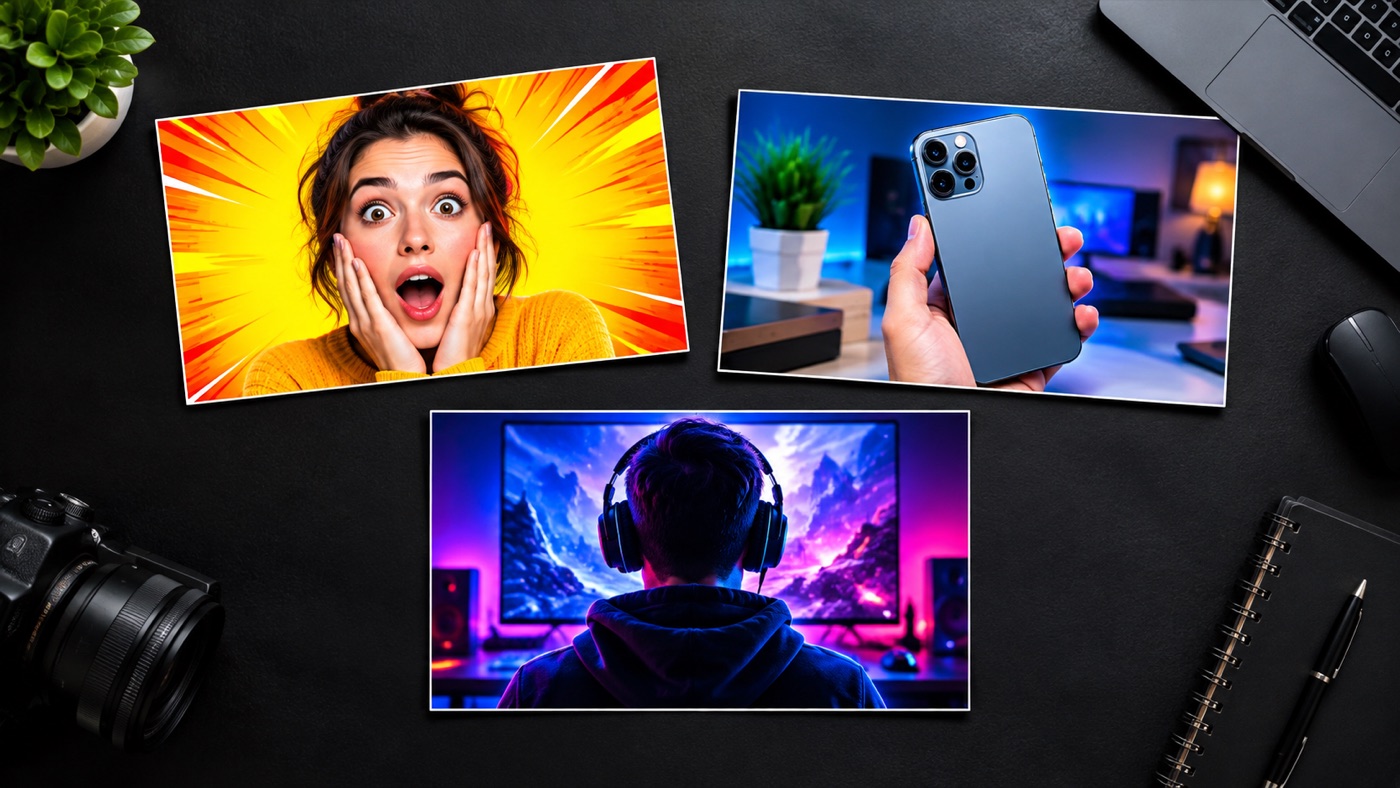
A reaction video needs a face and an expression. A tech review needs a product and a clean desk. A gaming video needs energy, color, and a strong central subject. The genre determines the composition before the prompt does.
Decide where the headline will go before you generate. Say "leave the left third clean" or "leave the top third simple". If you generate a full-frame image and crop it later, you will often lose the space you need.
A strong rim light separates the subject from the background. One saturated accent color makes the thumbnail pop in a feed. Two accent colors usually look noisy.
Image models can render short words, but they often misspell, distort, or invent text. Generate a clean background and add the real headline in Canva, Figma, Photoshop, or your editor. You will also be able to test multiple headlines against the same image.
Shrink the thumbnail to phone size before you publish. If the subject disappears or the contrast flattens, the design is too detailed. Simplify and regenerate.
Signature looks you can generate now
Pick a look, copy the exact prompt, or send it straight into the generator. Prompts are written for identity preservation, so the result still looks like the person or pet in the photo.
Opens the generator with this prompt. You’ll sign in; images start at 5 credits.
Text to image
High-Contrast Reaction
A bold reaction frame with room for a headline.
Prompt
Create a high-contrast YouTube thumbnail background featuring one expressive person on the right third, looking toward the camera with a surprised but natural expression. Use a dark background, a strong rim light, and a saturated accent color. Leave the left third clean for a headline. Do not render text, letters, numbers, logos, or watermarks. Keep the face sharp and readable at small sizes.
Text to image
Tech Review
A clean gadget-review frame with depth.
Prompt
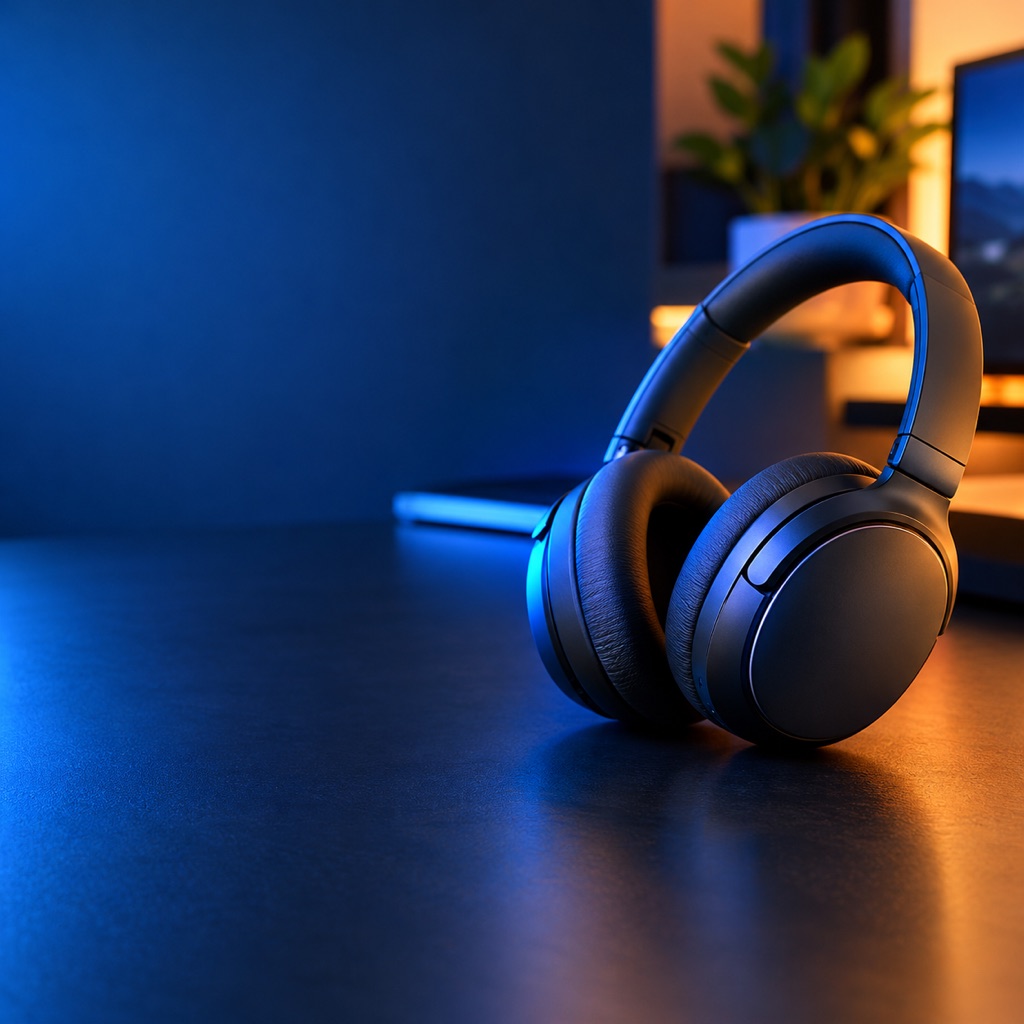
Create a tech review YouTube thumbnail background with a single modern gadget on a dark desk, dramatic blue and warm accent lighting, and shallow depth of field. Place the gadget on the right and leave the left side clean for a headline. Do not render text, logos, brand marks, or watermarks.
Text to image
Gaming Drop
A high-energy gaming thumbnail base.
Prompt
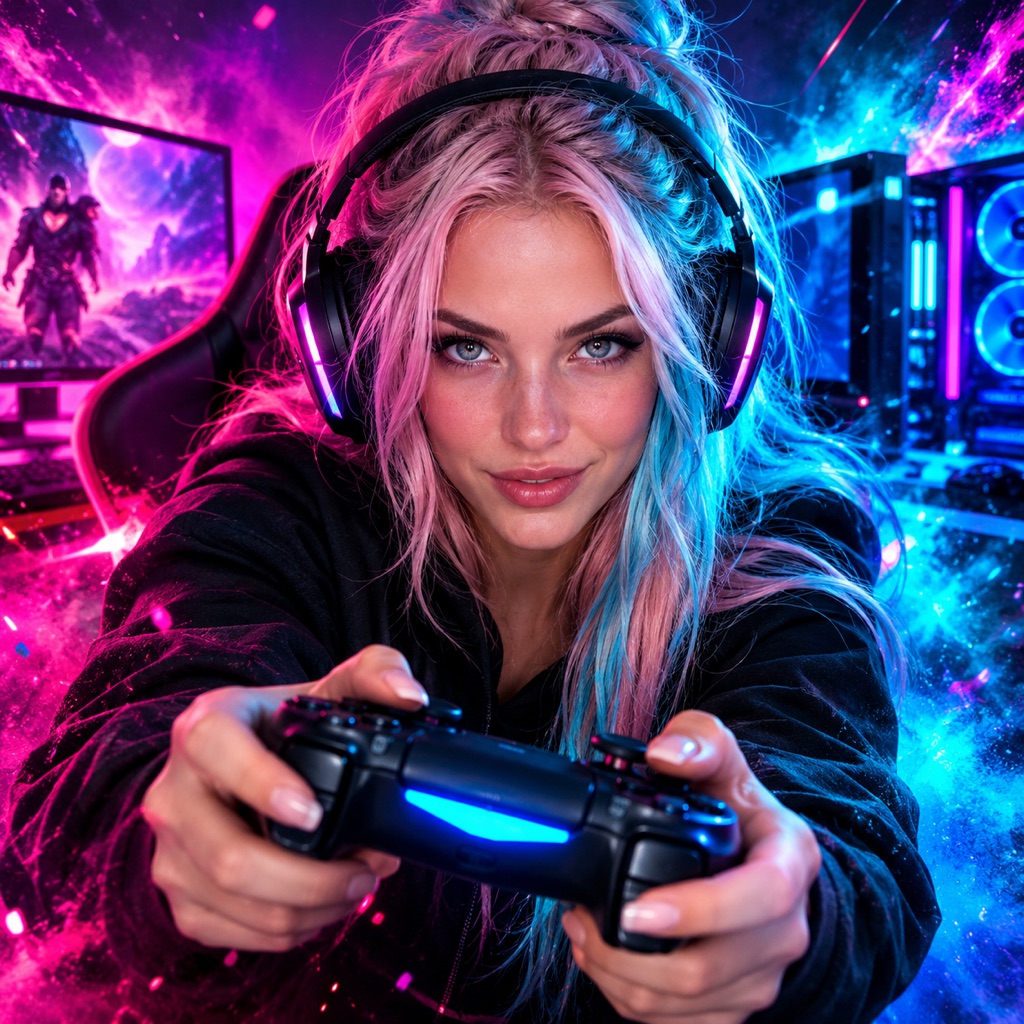
Create a high-energy gaming YouTube thumbnail background with a dramatic central subject, neon magenta and cyan lighting, and a subtle particle burst. Keep the composition readable at small sizes and leave the bottom right corner clean. Do not render text, letters, numbers, logos, or watermarks.
High-Contrast Reaction uses a face on the right third, a dark background, a strong rim light, and a saturated accent. It is the classic reaction format because it works at any size.
Tech Review uses a single gadget on a dark desk with blue and warm accent lighting. The product is the subject; the desk is the context. Keep the gadget large and the background simple.
Gaming Drop uses a central subject, neon magenta and cyan lighting, and a subtle particle burst. It is the highest-energy option and the easiest to overdo. Keep the subject readable and the effects behind it.
Create a high-contrast YouTube thumbnail background featuring [subject] on the [left/right] third. Use [light direction], [background], and [one accent color]. Leave the [left/top] third clean for a headline. Do not render text, letters, numbers, logos, or watermarks. Keep the composition readable at small sizes.
The negative text instruction is not optional. Without it, the model will often add a fake title or a random word.
Subject: the face or product, ideally isolated and sharp.
Headline: three to five words, large, high contrast.
Accent: an arrow, a circle, a before/after label, or a small badge.
The AI handles the background and, if you want, the subject. The headline and the accent are design decisions. Keep the headline short enough to read at phone size, and do not cover the subject's eyes or the product's label.
It can render short text, but it is unreliable for headlines. Generate a clean background and add the real text in an editor. That also lets you test multiple headlines.
Yes, if you have the rights to the photo. A clear expression and a sharp face are the strongest thumbnail signals. Avoid using a recognizable person without permission.
Commercial use depends on your plan, the model or provider terms, your rights in the source photo, and local law. Review the terms of service before publishing.

 Text to image