Practical AI creation guides for Halloween costumes, photo edits, prompts, pet portraits, thumbnails, and Black Friday creative. Every guide includes copy-ready prompts and a live tool.
PublishedOct 20, 2026
UpdatedOct 20, 2026
Whisk AI Image Generator Editorial Team
Most AI tool pages stop at a feature list. This guide library goes one step further: every guide explains a real workflow, includes prompts you can copy, and embeds the tool that runs the prompt. You can read the reasoning and then test it on your own photo in the same session.
Every guide uses the same five-part prompt structure: preserve, transform, scene, camera, avoid. Once you learn the structure, you can adapt any prompt to a new look or a new season.
13 guides
AI Halloween Costume Generator
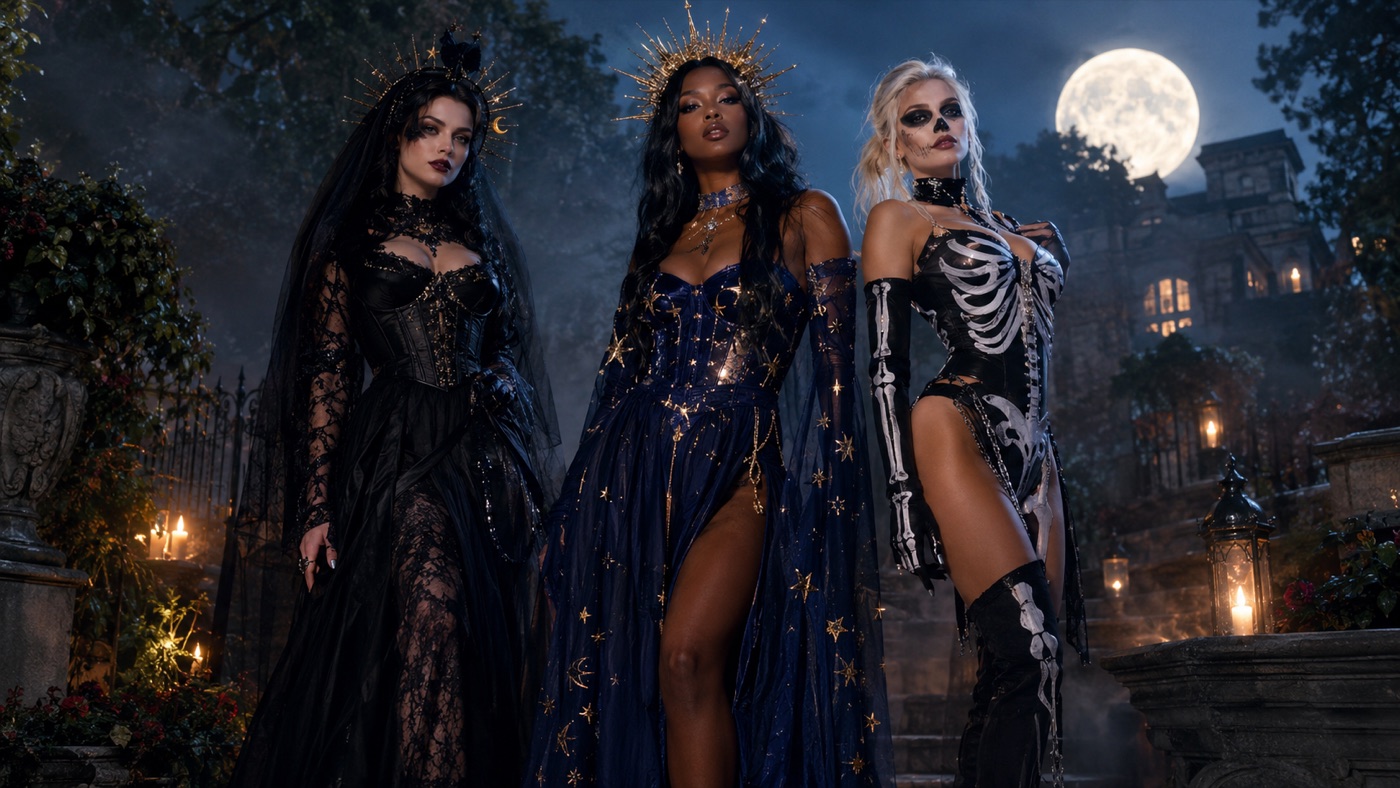
Turn a selfie into a photorealistic Halloween costume portrait with an AI Halloween costume generator. Copy tested prompts, keep your face recognizable, and generate gothic, celestial, skeleton, pet, or couple looks in one workspace.
The 2026 AI Halloween trend report: the costume ideas, characters, pet looks, and couple themes driving search interest, plus copy-ready prompts and a generator for each direction.
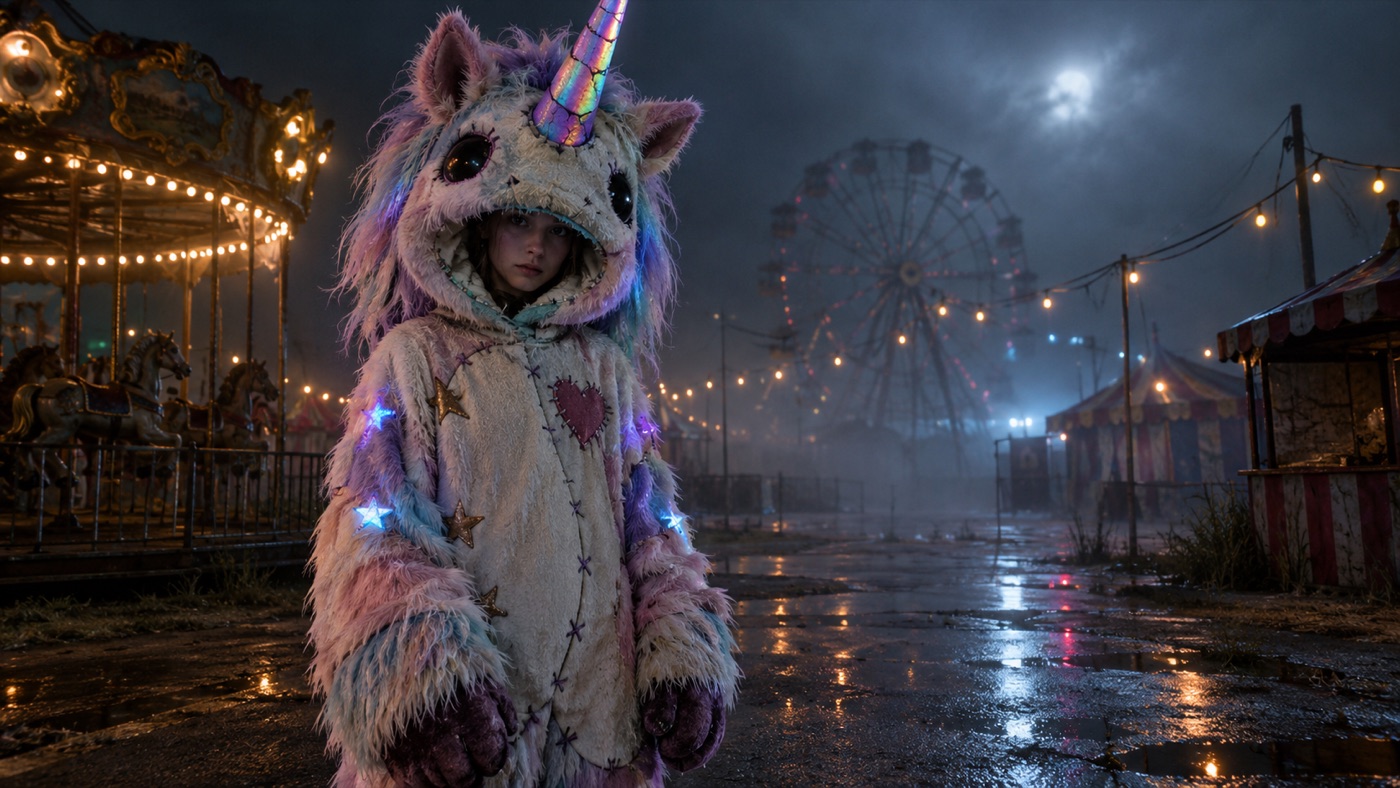
Create an original haunted unicorn mascot costume portrait inspired by the Buddy the Unicorn Halloween trend. Three tested prompts, no copyrighted character reproduction, and a selfie-to-portrait workflow.
Use a Halloween AI photo editor to add fog, pumpkin light, graveyard scenes, and vintage horror grades without changing the person. Copy tested prompts and edit your own photo in the browser.
Copy-ready Halloween AI prompts for selfies, costumes, pets, couples, and short videos. Use them in Gemini, ChatGPT, or the Whisk image workspace, with a prompt formula that keeps faces recognizable.
Turn a Halloween portrait into a short AI video. Copy motion prompts for head turns, drifting fog, candle flicker, and slow push-ins, then animate the still in the hosted video workspace.
Generate a coordinated Halloween couple costume portrait from two photos. Prompts that preserve both faces, prevent face swapping, and keep exactly two people in the scene.
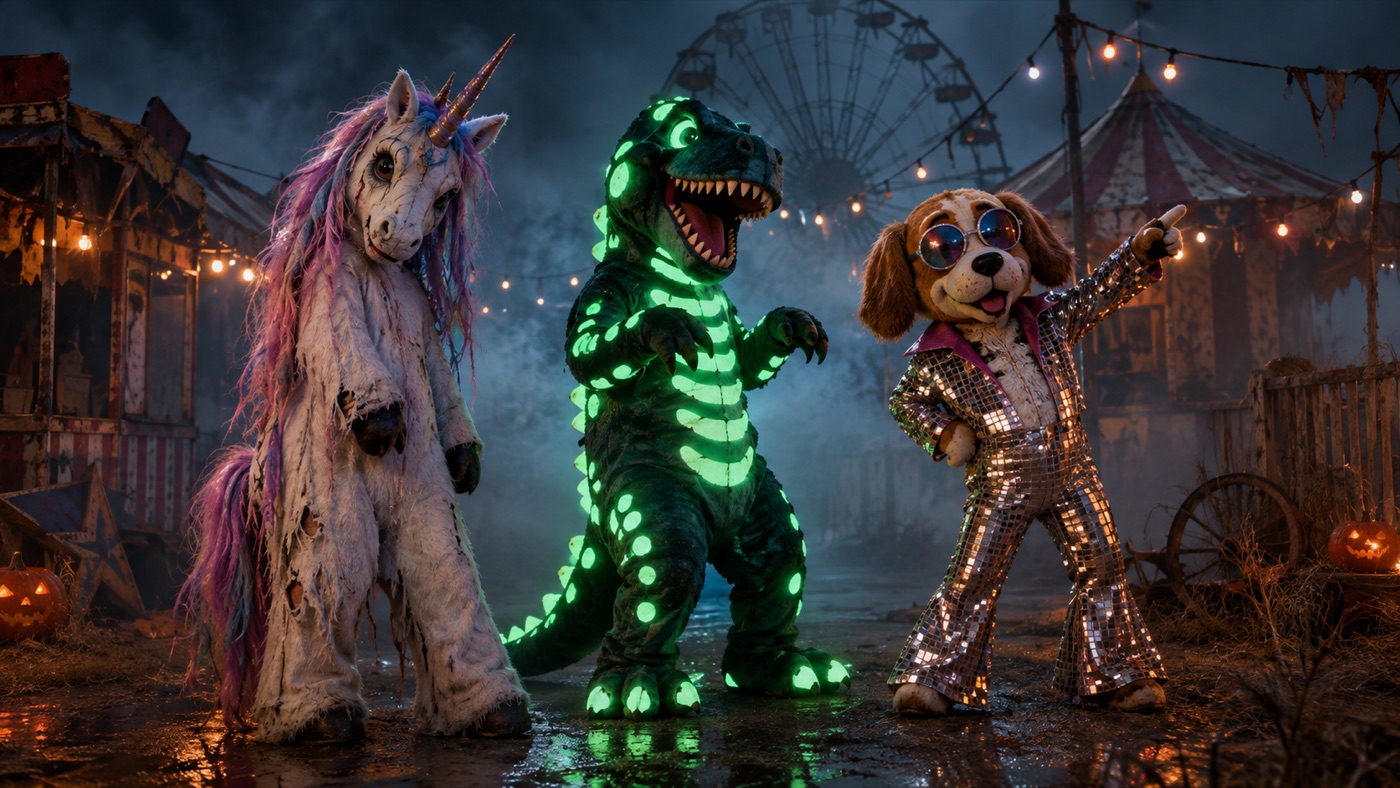
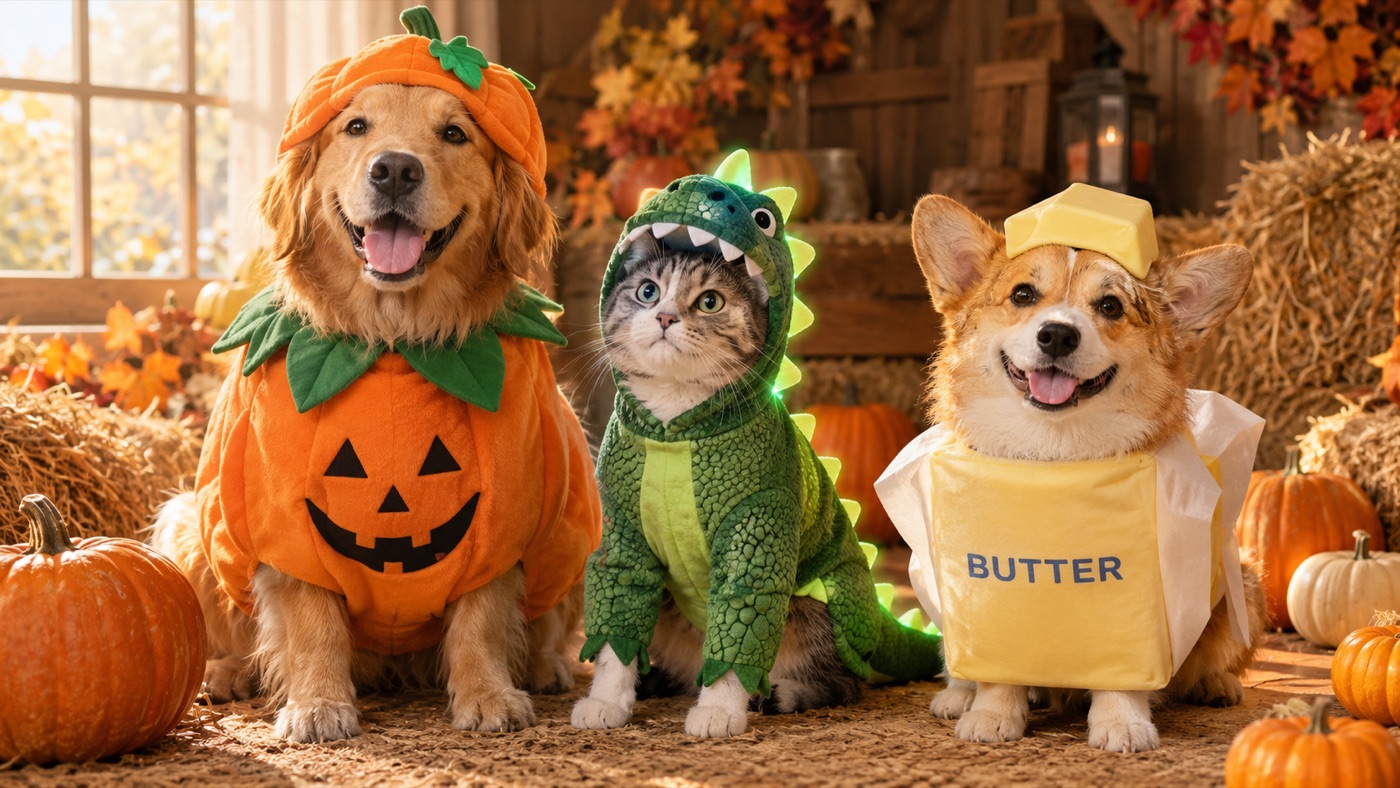
Generate a Halloween pet costume portrait from one photo. Pet-safe prompt rules preserve breed, fur markings, eyes, and anatomy while adding pumpkin, dinosaur, or playful food costumes.
Use an AI image generator to produce Black Friday ad creatives, product shots, and social posters. Copy tested prompts, keep labels blank, and generate the sizes you need before the sale window.
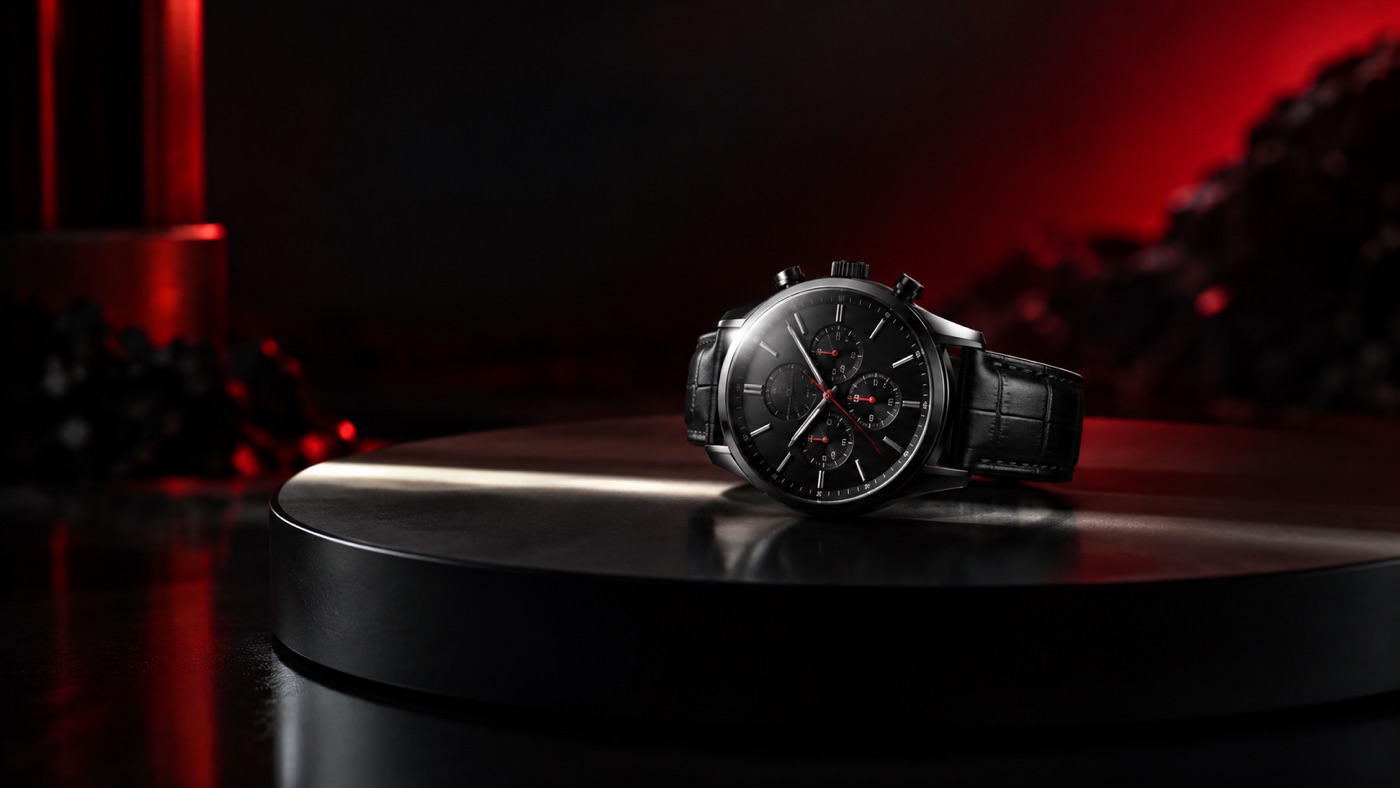
Create Black Friday product videos with AI: turntable spins, cinematic push-ins, and vertical social hooks. Start from a product still, keep the label stable, and generate short clips that fit the sale window.
Plan Black Friday and Cyber Monday creative with AI. Generate ad visuals, product shots, thumbnails, and short videos from one workspace, with a practical 30-day production workflow.
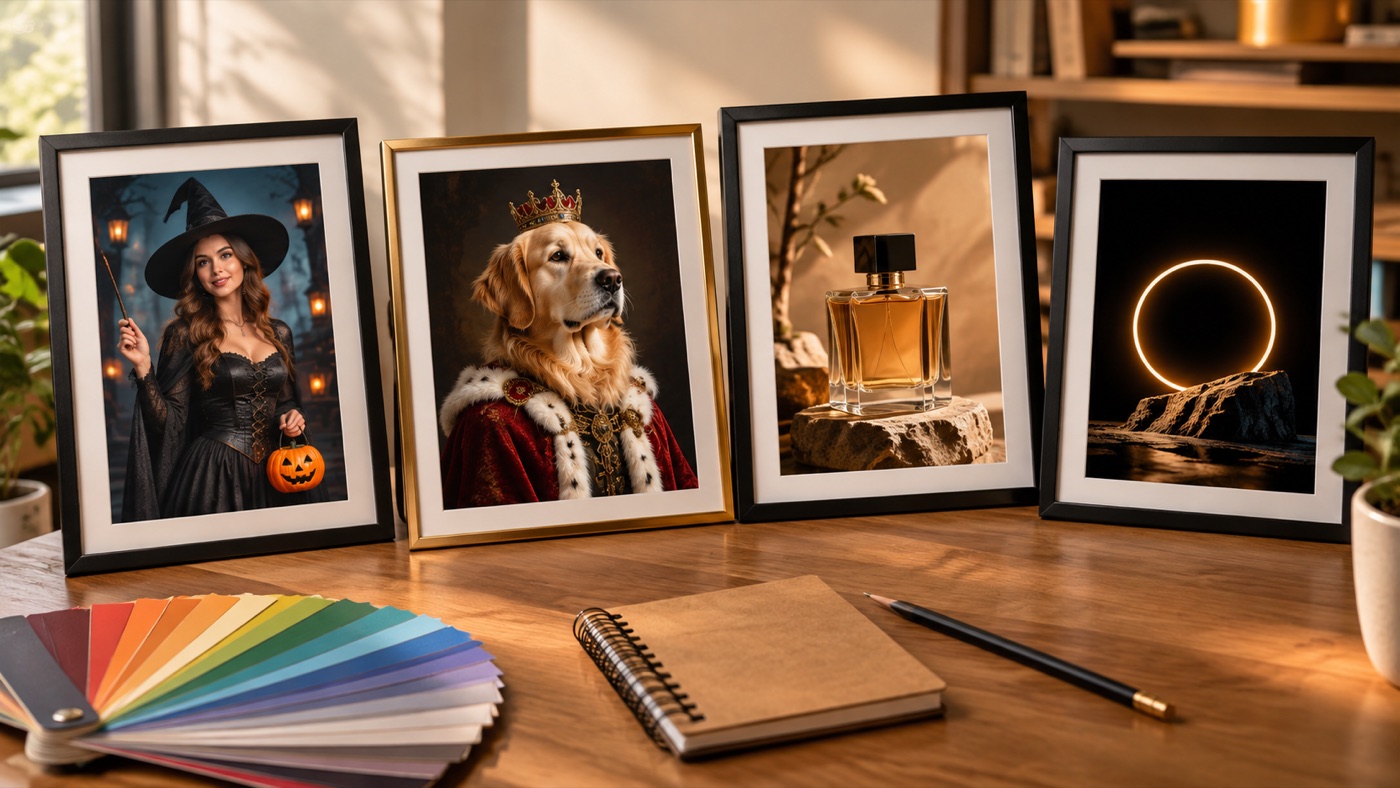
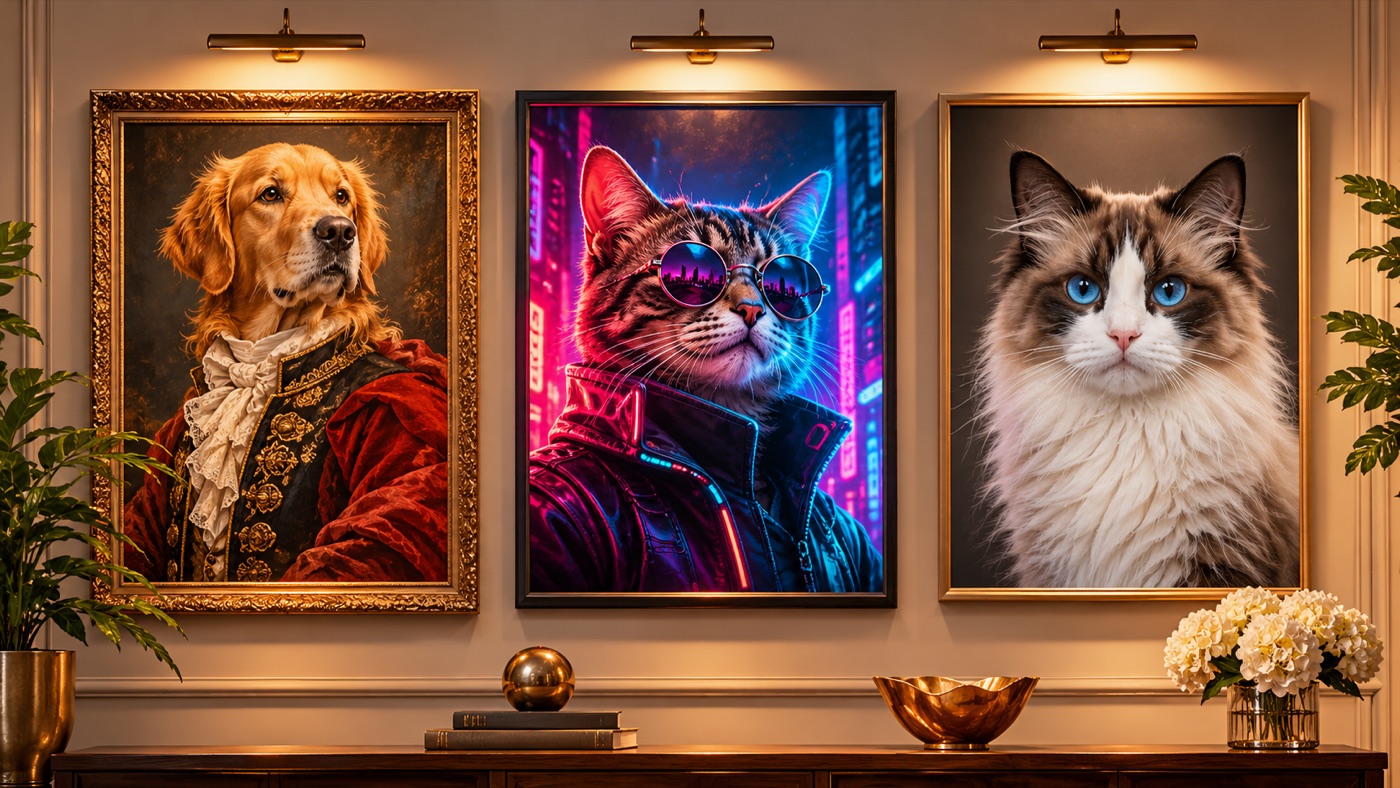
Turn one pet photo into a gallery-style portrait. Generate royal oil paintings, cyberpunk neon portraits, and clean studio headshots while preserving your pet’s breed, markings, and expression.
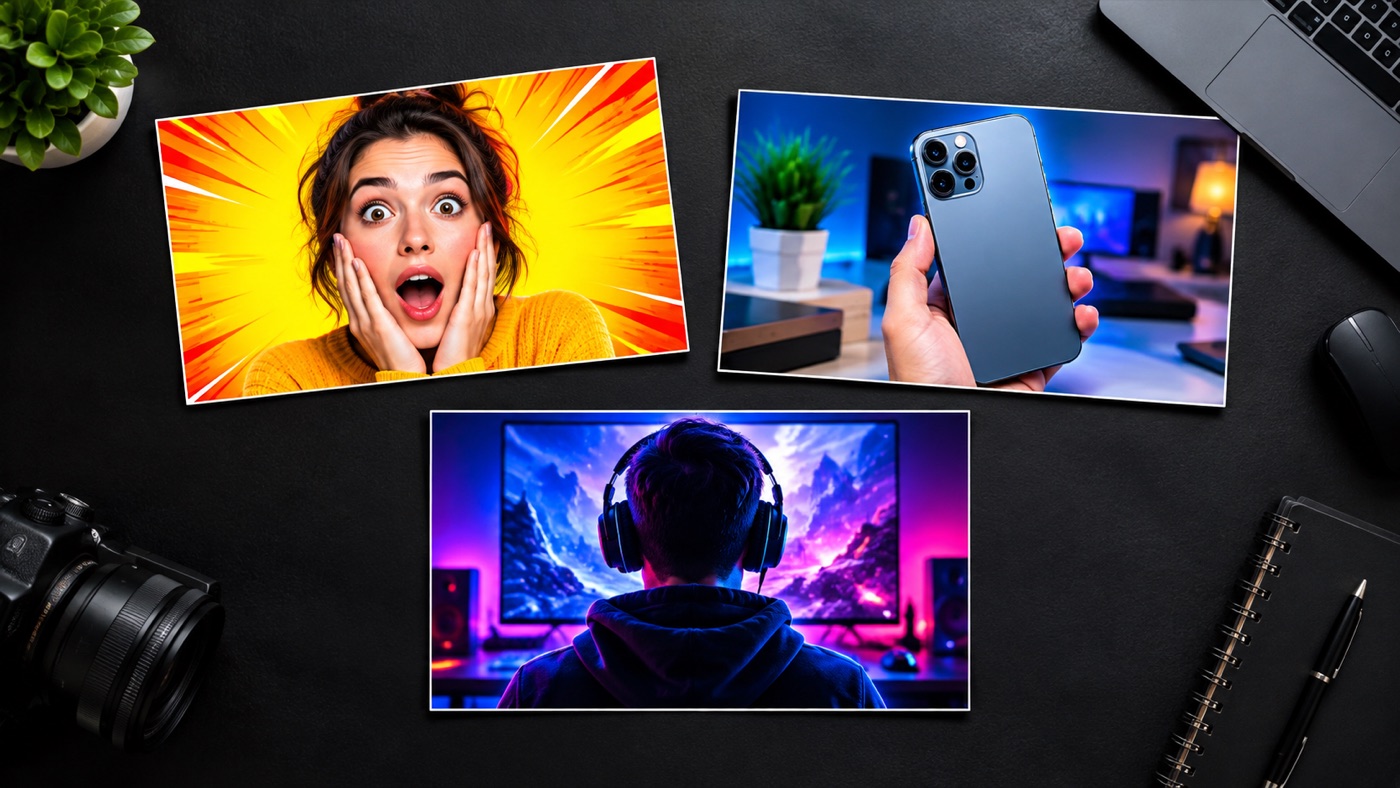
Generate high-contrast YouTube thumbnail backgrounds with clear space for your headline. Copy tested prompts for reaction, tech review, and gaming thumbnails, then add real text in your editor.
They are built around a tool, not a link. Each page embeds a preset gallery. You can copy a prompt or send it directly into the generator. The guide is not a dead-end article.
They are specific about failure modes. A useful guide tells you what goes wrong: face drift, extra fingers, costumes that cover the eyes, product labels that change, thumbnails that disappear at phone size. Specific constraints produce better results than vague enthusiasm.
They are honest about the limits. AI images are not physical products. A generated costume is a reference, not a sewing pattern. A generated video is a short clip, not a film. Knowing the limits saves time and money.
Halloween and Black Friday are seasonal, but the workflows are not. The same prompt structure works for Christmas, Valentine's Day, a product launch, a birthday, or a personal portrait. When the season changes, change the transformation and the scene. Keep the preservation rules.
That is also why the guides stay online after the season. A Halloween costume prompt can become a Christmas costume prompt with a new outfit and a new background. The tool and the structure remain useful.
Pick the guide that matches the photo you already have. Generate one image. Judge it at full size. Then decide whether to refine the prompt or try a different style. One good result teaches you more than reading all twelve guides at once.
Open the AI image generator when you are ready to test a prompt, or browse the pricing page if you want to compare plans first.